Skip to content

92 Game download: installing safely on Android

Most people looking for a 92 Game download are on Android and will end up installing an APK rather than going through an app store. That changes the safety calculation completely, and it is worth understanding why before you install anything.

Note: this demonstration site does not host, mirror or link to any downloadable file. This page explains how installation works and what to check — the demo itself runs in your browser with no install required.

Where the app runs

The platform lists four surfaces: Android, iOS, H5 and PC. H5 is the browser version, and it deserves more attention than it usually gets — it requires no installation, which removes the entire category of risk this page is about.
Access options and their trade-offs
SurfaceInstall neededTrade-off
Android APKYes, sideloadedFull features and notifications. Carries the fake-app risk described below.
H5 (browser)NoLowest risk, nothing installed. May lack push notifications and load slower.
iOSVariesDistribution for this category is inconsistent on iOS. Treat unofficial profiles with the same suspicion as an APK.
PCNoConvenient for reading rules and tables. Not how most Pakistani users play.

Scroll to see the full table

The real risk with APK downloads

When an app is not distributed through a store, nothing checks it before it reaches your phone. Anyone can take a popular gaming app, rebuild it with added code, and put it behind a link that looks official. Cloned gaming and finance apps are one of the most common mobile threats in South Asia, and the convincing ones are visually indistinguishable from the real build.

What a malicious clone is usually after is not your game balance. It is SMS access, so it can read the one-time codes your bank sends — which is why the permission list matters more than anything else on this page.

Checks before you install anything

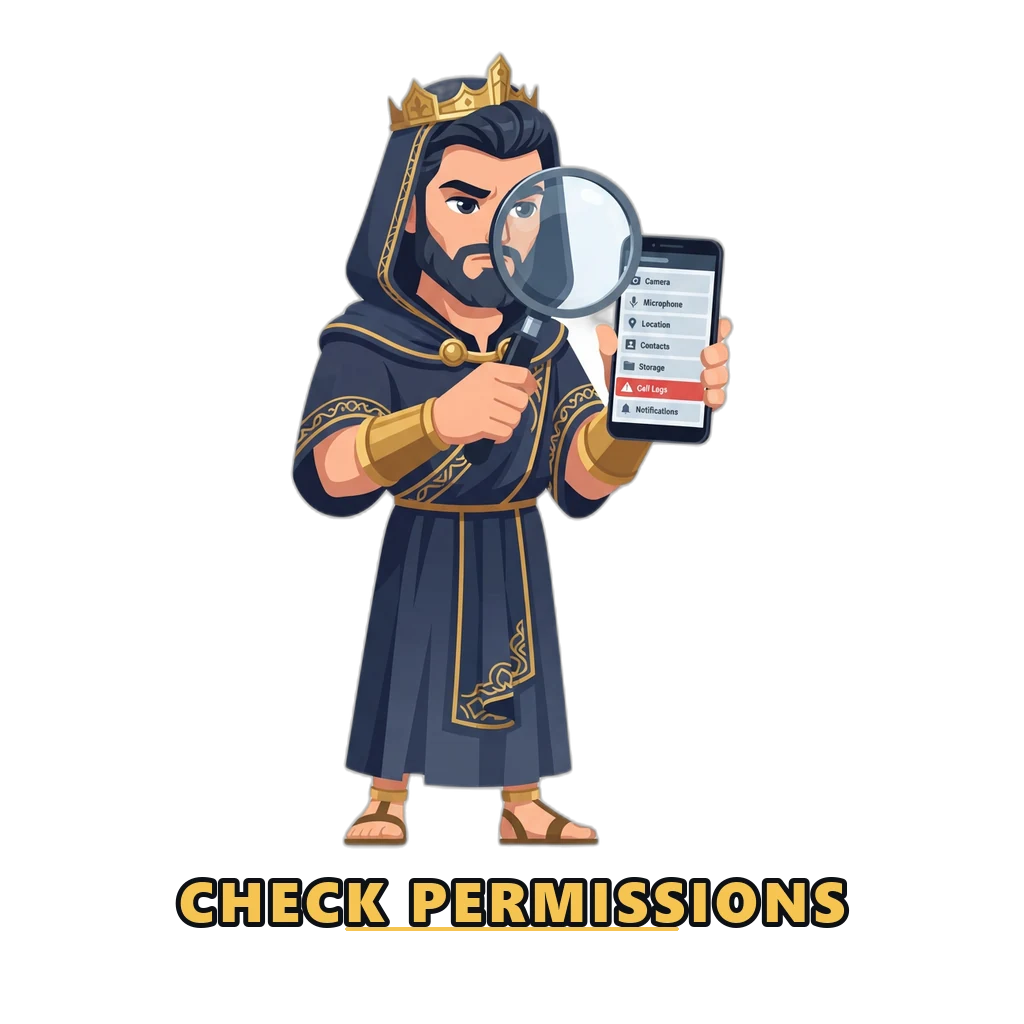
Reviewing the permissions an app requests before installing it
A gaming app asking for SMS, contacts or accessibility access should be deleted.
Permission red flags on a gaming APK
Permission requestedReasonable?Why it matters
StorageYesCaches game assets. Normal.
Network accessYesRequired to function at all.
SMS / read messagesNoThe clearest single red flag. Used to intercept bank one-time codes.
ContactsNoA gaming app has no legitimate use for your contact list.
Call logsNoNo gaming function requires this. Associated with data harvesting.
Accessibility servicesNoGrants the ability to read and control the whole screen. Heavily abused by banking malware.
Install other appsNoAllows silent installation of further payloads.

Scroll to see the full table

If any item in the 'No' rows is requested, delete the file rather than investigating further.

Installing on Android

Installing the 92 Game Android app from an official source
  1. 1. Confirm the source

    Only install from the platform official site. Files forwarded through WhatsApp, Telegram or a shortened link are the single most common source of fake gaming apps.

  2. 2. Allow installation from the browser

    Android asks permission to install from an unknown source. Grant it to the browser specifically, then revoke it afterwards rather than leaving it on permanently.

  3. 3. Review the permissions requested

    A gaming app needs storage and network access. If it asks for SMS, contacts, call logs or accessibility services, stop and delete the file.

  4. 4. Install and open

    Launch the app and check it matches the interface you expect. A wrong logo, broken text or a different login screen means it is not the official build.

  5. 5. Log in and verify the account

    Check the UID and VIP level on the Account tab to confirm you are on your own account before doing anything else.

Revoke the permission afterwards. Leaving “install from unknown sources” enabled for your browser means the next malicious link has one less obstacle. Turn it back off once the install completes.

When the app will not connect

Slow loading and dropped sessions are common, particularly outside Karachi, Lahore and Islamabad. The platform’s own guidance points users at a DNS and connection app — searching for 1.1.1.1: Faster Internet, installing it, and toggling the switch to establish a connection.

That is a routing and DNS fix. It is worth being straightforward about the limits of that advice: it addresses connection stability, and it is not a way around any legal restriction. If a platform is restricted where you live, that restriction still applies to you.

Using it without installing anything

The browser version needs no installation and carries less risk
The H5 browser version installs nothing and avoids the clone risk.

If the sideloading risk concerns you — and it reasonably might — the H5 browser version exists precisely for this. No installation, no permissions, nothing persistent on the device. You lose push notifications and some speed. For most people that is a good trade.

The demonstration on this site works the same way. Nothing installs, and you can walk through the login flow and the bonus mechanics in a browser.

Frequently asked questions

Is the 92 Game app on the Google Play Store?

Real-money gaming apps are generally not distributed through the Play Store in markets where they are restricted, which is why this category is almost always sideloaded as an APK. That is exactly why the safety checks on this page matter more than they would for an ordinary app.

How can I tell a fake 92 Game APK from the real one?

The clearest signals are permissions and provenance. A legitimate gaming app has no reason to request SMS access, contacts, call logs or accessibility services — those are what credential-stealing clones ask for. Beyond that: treat any file arriving through a forwarded message or a shortened link as untrusted, and be suspicious of a file size wildly different from what the official site states.

Do I need to install anything to use this site?

No. This demonstration runs entirely in your browser. There is no APK to download here, and this site does not host, mirror or link to any installable file.

Why does the app keep disconnecting?

Connection instability is common outside the major cities and platforms in this category are frequently slow to load. The official guidance points at a DNS and connection app such as 1.1.1.1 to stabilise the route. Treat that as a connection fix and nothing more.

Does the app work on iPhone and desktop?

The platform lists Android, iOS, H5 and PC. H5 means the browser version, which needs no installation at all and is the lower-risk option if you are cautious about sideloading.